
Buy with Prime for Shopify brands: how it works with your own 3PL
Prime shoppers trust the badge. The catch: every Buy with Prime order ships from stock you keep at Amazon. Here's how to run that alongside your 3PL without running out.
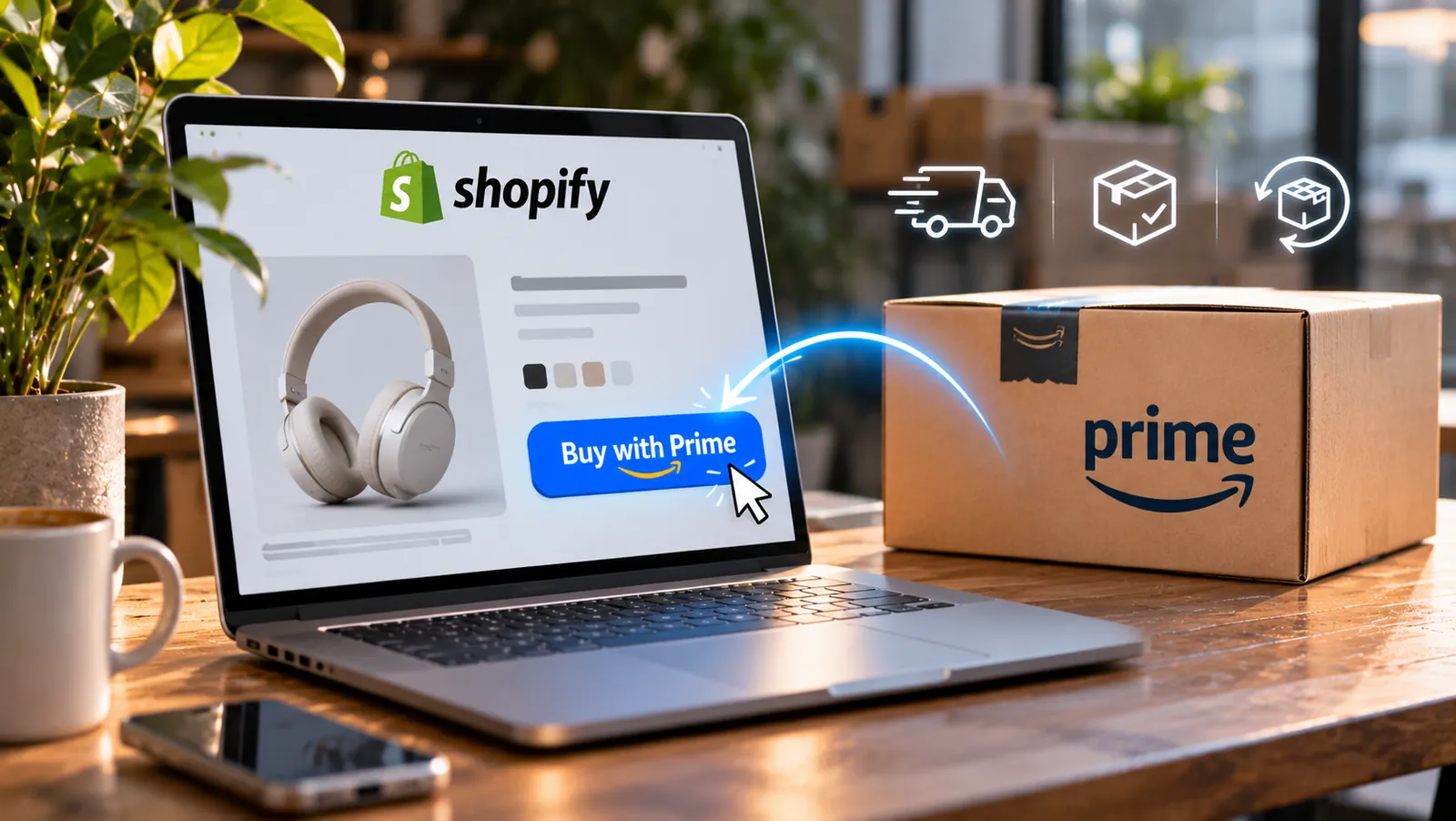
Buy with Prime lets US shoppers check out on your Shopify store with their Prime account and get Prime delivery. The orders ship from Amazon's fulfillment centers, so the products you enroll need stock at Amazon. Your 3PL keeps shipping everything else and keeps Amazon topped up.
Since September 2026 there's a second route. Amazon now lets Multi-Channel Fulfillment (MCF) merchants add Prime delivery to their own checkout for no fee beyond standard MCF fees. Both routes need the same stock split between your 3PL and Amazon, and that split is where most brands either win or lose on Prime. Handled well, the badge lifts conversion on your best sellers. Handled badly, Prime orders stop the day Amazon runs out of stock.
Last checked: 23 November 2026, against Amazon's Buy with Prime requirements and pricing, and its announcement of Prime delivery for MCF merchants' own websites. Amazon changes fees and requirements from time to time. Confirm the current terms before you enroll.
Who Prime on your own store suits
Add it if three things are true: a large share of your US customers already shop with Prime, your best sellers are small and sell steadily, and you can keep stock at Amazon without starving your other channels. Leave it if your products are bulky, slow-moving or need custom packing, because Amazon's fees and storage rules will cost more than the extra sales bring in.
It is also only open to businesses with a US entity, so a UK or EU brand selling into the US needs a US company before it can enroll. Check your Shopify analytics first: if a large share of your US orders already come from repeat customers who know your brand, the badge adds less than it does for a brand still winning first orders.
Two ways to offer Prime on your store
With Buy with Prime, shoppers check out with their Amazon account and Amazon Pay. Amazon handles delivery, customer service and returns for those orders, and you pay a Prime service fee on each order on top of fulfillment fees. Setting up Amazon Pay in Shopify is one of the steps Amazon requires, along with active Seller Central and Amazon Pay accounts.
With Prime delivery through MCF, shoppers use your normal Shopify checkout, and Amazon checks their Prime membership after the order. You keep your own payments, customer service and returns. Amazon says there's no cost beyond standard MCF fees, and it switches on through the same Amazon MCF and Buy with Prime app.
If you already run good customer service and returns, the MCF route is usually the cheaper test. Buy with Prime suits brands that want Amazon's checkout and returns experience on their site.
How the stock flows
Your supplier ships to your 3PL, which receives the full order as it does today. Your 3PL then preps and sends a share of the enrolled SKUs to Amazon, labelled and packed to Amazon's inbound rules. Our guide to Amazon prep covers what gets those shipments rejected.
When a shopper picks Prime delivery, Amazon picks, packs and delivers from the stock you hold in its network. Everything else ships from your 3PL: orders without Prime, products you didn't enroll, wholesale orders, gift sets and subscription boxes. Your 3PL can't ship the Prime orders itself, because Amazon requires the enrolled stock in its own fulfillment centers, so the 3PL's job on Prime is to keep Amazon supplied.
That last point is where launches go wrong. Someone has to watch Amazon's stock level for each enrolled SKU and send more before it runs out, and the inbound lead time to Amazon can stretch in peak season. Agree who owns replenishment, how often stock is sent and what reorder point triggers a shipment, before the first Prime order arrives.
What it costs
Amazon lists several fees for Buy with Prime. The fulfillment fee per unit covers pick, pack, outbound shipping and returns, and varies with product size, weight and the number of units in the order. The Prime service fee is 3% of the order value before tax, with a per-order minimum that Amazon says is coming down from $1.00 to $0.30. Payment processing adds a processing fee and an authorization fee through Amazon Pay.
Storage adds a monthly charge on the space your stock takes up, higher from October to January, and an aged inventory surcharge applies to units stored for more than 180 days. A fuel and logistics surcharge has applied to US fulfillment fees since May 2, 2026. There's no Amazon referral fee, because the sale happens on your own store. The MCF Prime delivery route charges standard MCF fees only, so it skips the Prime service fee and the Amazon Pay fees.
A worked example
Take a made-up supplements brand selling 4,000 Shopify orders a month at an average of $48. It enrolls its three best sellers, which make up half its orders. If 40% of the enrolled orders choose Prime, Amazon ships 800 orders a month and the 3PL ships the other 3,200.
On Buy with Prime, the Prime service fee on 800 orders at $48 is $1,152 a month, before fulfillment and storage fees. On the MCF Prime delivery route that fee falls away, and the brand handles returns and customer service itself. Either way, it keeps about three weeks of the three SKUs at Amazon and the rest at its 3PL, so a delayed inbound shipment doesn't stop Prime orders. Before launch, it asks its 3PL to quote the same 800 orders as if it shipped them. The test is whether the extra sales from the Prime badge cover the gap between Amazon's fees and the 3PL's price.
The checklist before you switch it on
Pick SKUs that are small, fast-moving and don't need custom packing.
Agree with your 3PL who books Amazon inbound shipments, and how often.
Set a reorder point for each SKU at Amazon, based on its daily Prime sales and the inbound lead time.
Decide what happens when Amazon's stock runs out: the Prime option disappears, or the order falls back to your 3PL.
Check that your 3PL's system and Shopify show one stock figure per SKU across both locations.
Measure the conversion rate on enrolled products for 60 days against the same products before launch, then decide whether to add more.
If you want fast delivery without splitting stock, our guide to two-day shipping without Amazon shows how a 3PL network gets there. To find a warehouse that already preps and replenishes Amazon stock for Shopify brands, see our list of Shopify fulfillment 3PLs in the USA.
Need a logistics partner?
Tell Logan what you ship and where, and get a shortlist of partners that fit.
Submit an RFP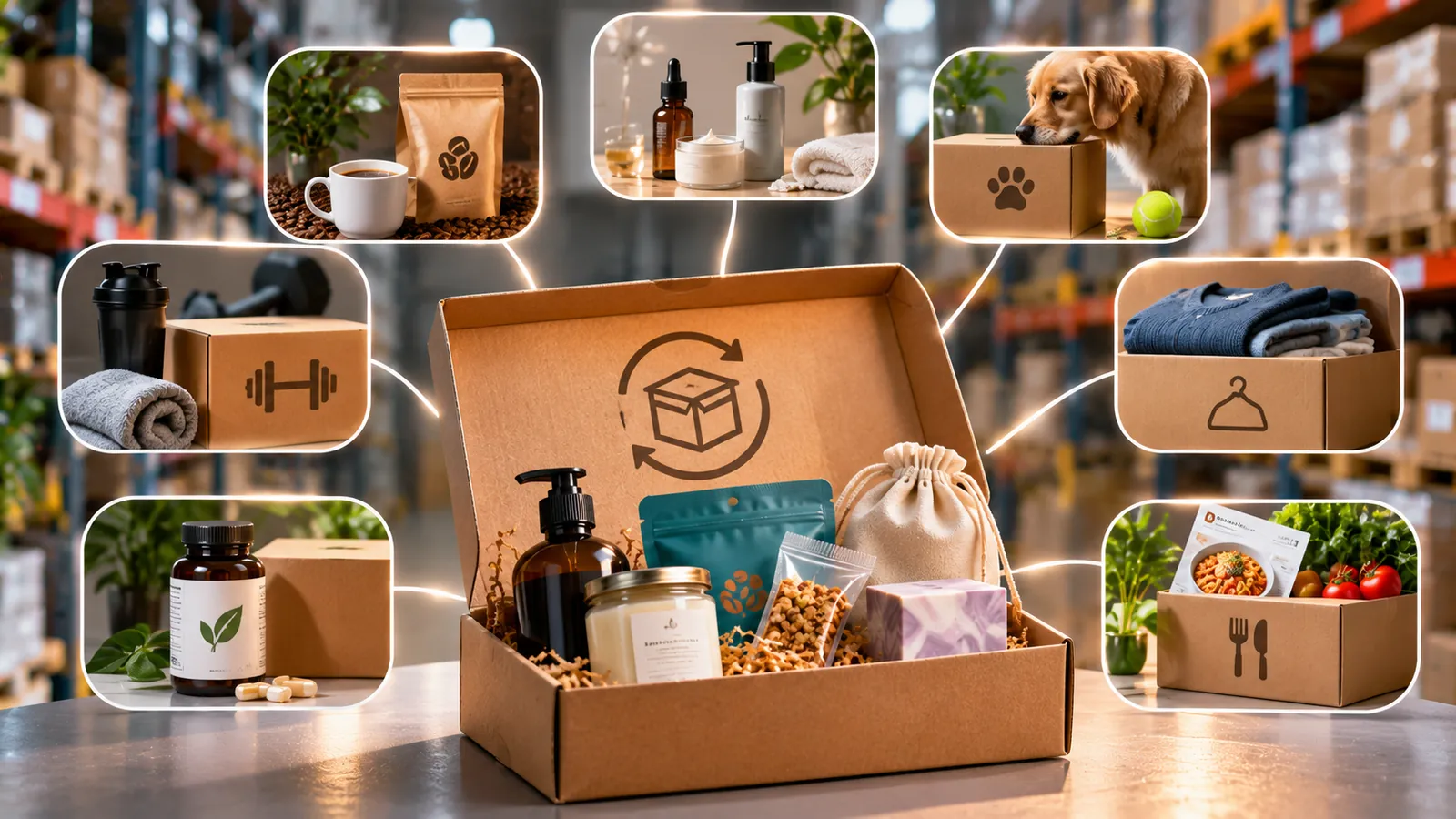
Comments
Share a question or insight about this article.